
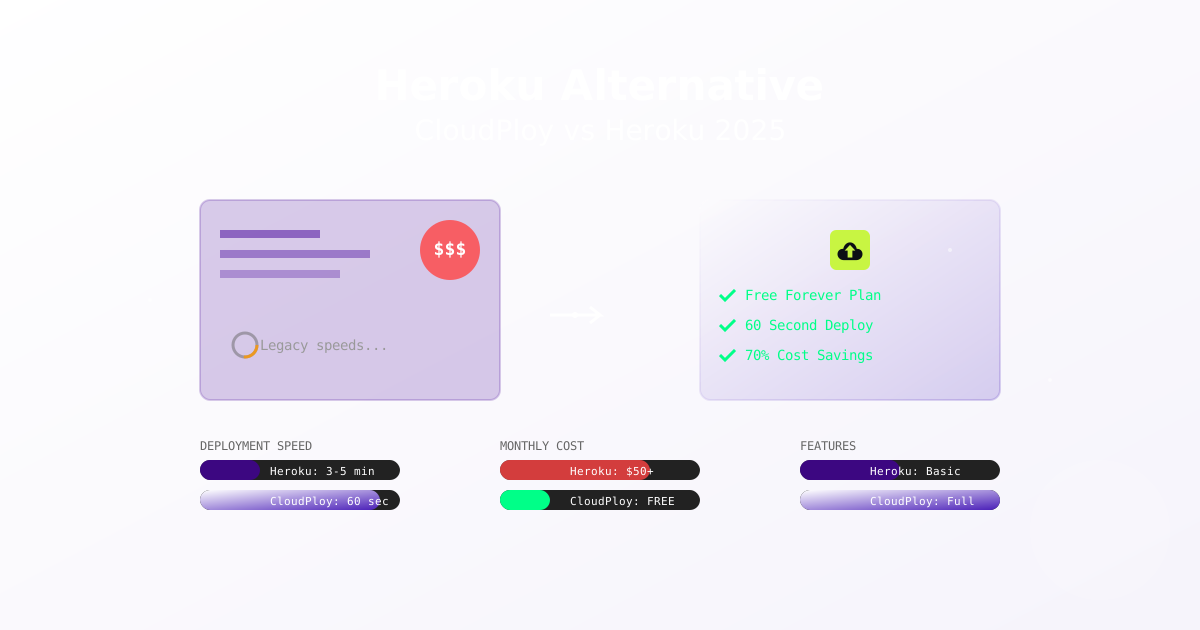
As Heroku has changed its pricing and removed free tiers, many developers are looking for alternatives. CloudPloy keeps the push-to-deploy workflow but runs your apps on a server in your own AWS account.
Why Developers Look for Heroku Alternatives
- Predictable pricing with a flat plan fee
- Your own infrastructure instead of a shared platform
- Docker-based deployments on a server you control
- A free plan for side projects and learning
Feature-by-Feature Comparison: CloudPloy vs Heroku
Deployment
Heroku:
- Git push deployments
- Buildpack-based builds
CloudPloy:
- Push-to-deploy: auto-deploy on git push from GitHub, GitLab, or Bitbucket
- Docker + Traefik on your server
- Deployment history and rollback
Pricing
Heroku Pricing (2025):
- Basic Dyno: $7/month (512MB RAM)
- Standard 1X: $25/month (512MB RAM)
- Standard 2X: $50/month (1GB RAM)
- Performance M: $250/month (2.5GB RAM)
- Performance L: $500/month (14GB RAM)
- No free tier (discontinued 2022)
- PostgreSQL starts at $9/month
CloudPloy Pricing:
- Free plan: $0, 1 server (up to 2 vCPU / 2 GB) and 1 app
- Starter $9.99/month (3 servers), Pro $19/month (10 servers), Scale $39/month (unlimited servers)
- Server compute is billed separately by AWS, in your own account
- 30-day money-back guarantee on new paid subscriptions
- See CloudPloy pricing for current plans
CloudPloy’s cost is your plan fee plus your own AWS compute, so the total depends on the instance size you pick.
Supported App Types
Heroku: Ruby, Node.js, Python, Java, PHP, Go, Scala, Clojure
CloudPloy: Node.js, Next.js, Nuxt, Astro, Laravel, Symfony, Rails, and WordPress.
Databases
Heroku:
- Heroku Postgres (starts at $9/month)
- Heroku Redis (starts at $15/month)
- Apache Kafka (starts at $100/month)
CloudPloy: CloudPloy can set up PostgreSQL or MySQL on your app’s server, in Docker, when it deploys the app. It is not a separate managed database service.
Infrastructure and Scaling
Heroku:
- Single region deployment (US or EU)
- Shared CPU on lower tiers
- 30-second request timeout
CloudPloy:
- Your own EC2 server, sized as you choose
- Up to 10 replicas of an app on its server on paid plans
- Auto-scaling and load balancing: coming soon
- Optional Cloudflare in front of your domains (your own Cloudflare account)
Developer Experience
Heroku:
- Heroku CLI
- GitHub integration
- Review apps
- Add-on marketplace
CloudPloy:
- Manage apps from Claude Code, Cursor, or any MCP client
- Environment variables and logs
- Custom domains with automatic Let’s Encrypt SSL
Moving from Heroku to CloudPloy
- Connect your AWS account (or a fresh server over SSH) and create a server.
- Connect your Git provider and pick the repository.
- Copy your Heroku config vars into CloudPloy environment variables.
- Deploy, then enable auto-deploy so pushes redeploy.
- Add your custom domain and update DNS once the app is running.
- Move your database yourself, using the dump and restore tools for your database.
Frequently Asked Questions
Is CloudPloy a good Heroku alternative?
If you want push-to-deploy on infrastructure you own, yes. You manage a server in your AWS account, and CloudPloy handles deploys, SSL, domains, logs, and rollbacks.
Does CloudPloy support Heroku buildpacks?
No. CloudPloy deploys with Docker and Traefik on your server.
What about Heroku add-ons?
CloudPloy does not have an add-on marketplace. Run the services your app needs on your server, or connect external services through environment variables.
Can I keep my domain and SSL?
Yes. CloudPloy supports custom domains with automatic Let’s Encrypt SSL.
Summary
- Flat plan fee ($0 to $39/month) plus AWS compute in your own account
- Free plan for one server and one app
- Push-to-deploy, rollback, logs, and environment variables
- 30-day money-back guarantee on new paid subscriptions
Pricing current as of publication date. Heroku is a trademark of Salesforce.com, Inc. This comparison is for informational purposes based on publicly available information.